Translate Now app icon

Speak, scan and translate with Translate Now

Speak, scan and translate instantly with Translate Now: Voice Translator. Talk with people, read signs and menus, and find the right phrase in 150+ languages — all from one friendly app.

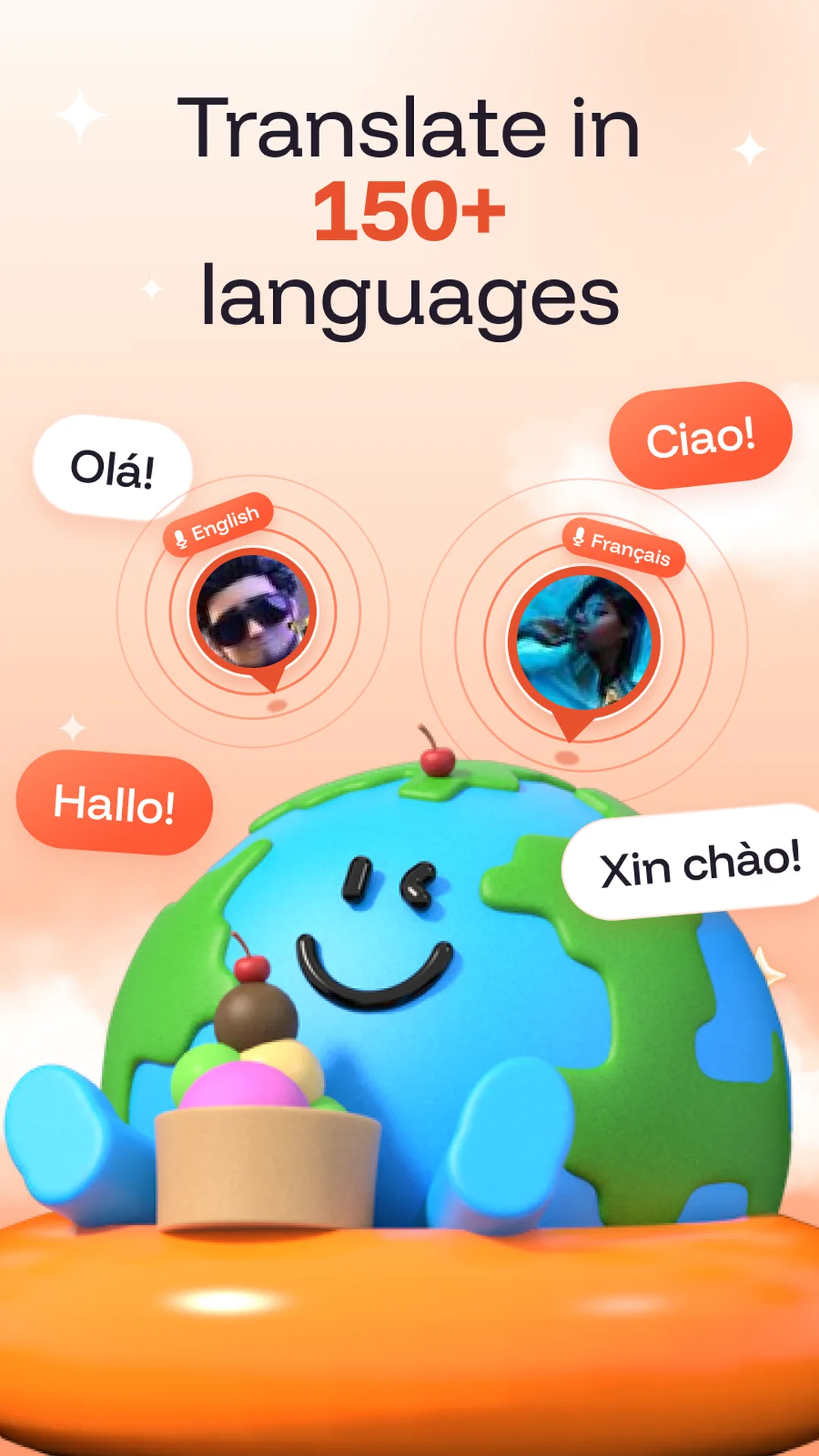
Speak, scan and chat in 150+ languages — voice, camera, phrases & dictionary.
Translate Now screenTranslate Now screen
What Translate Now offers

One app for voice, camera and text

Speak, scan and chat in 150+ languages — voice, camera, phrases & dictionary.

Voice Translator

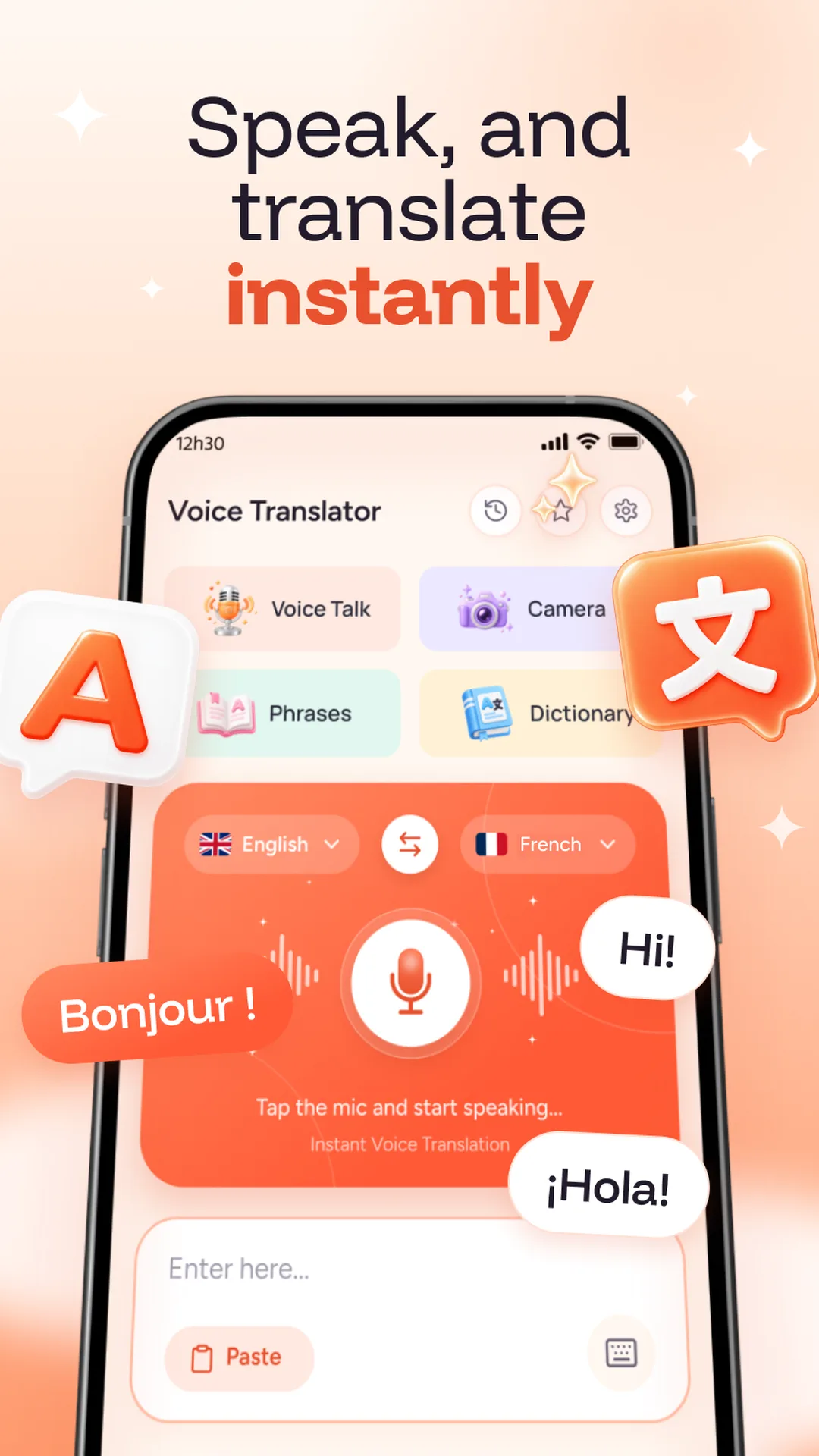
Just speak — the app listens, translates and reads the result aloud. Great for travel, calls and quick questions.

Conversation Mode

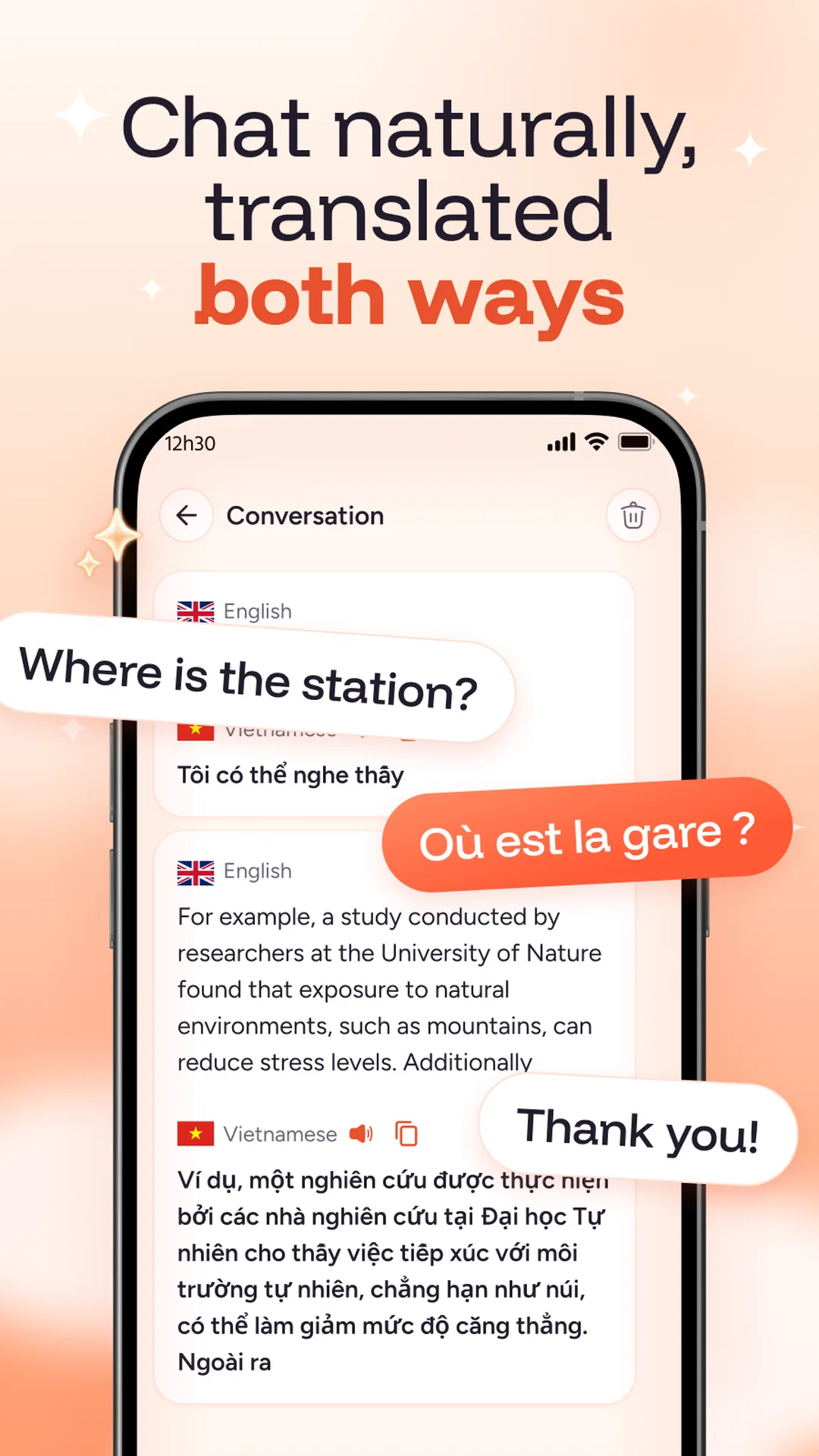
Hold a two-way conversation: each person speaks in turn and both sides appear translated on one screen.

Camera & Photo Translate

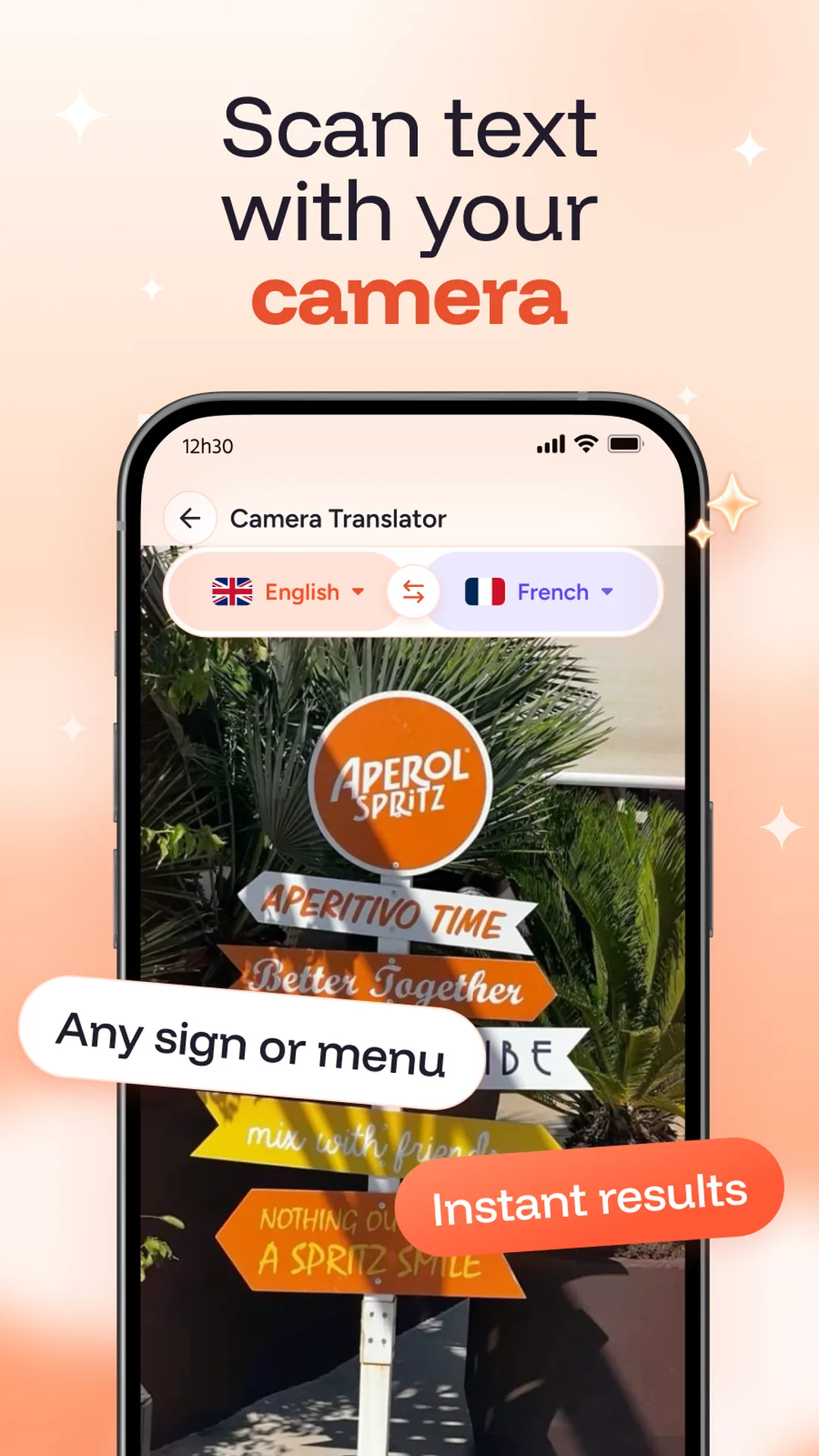
Point your camera or pick a photo to translate signs, menus and notices on the spot.

Text Translator

Type, paste or copy any text and translate it in seconds, then swap languages, copy or share.

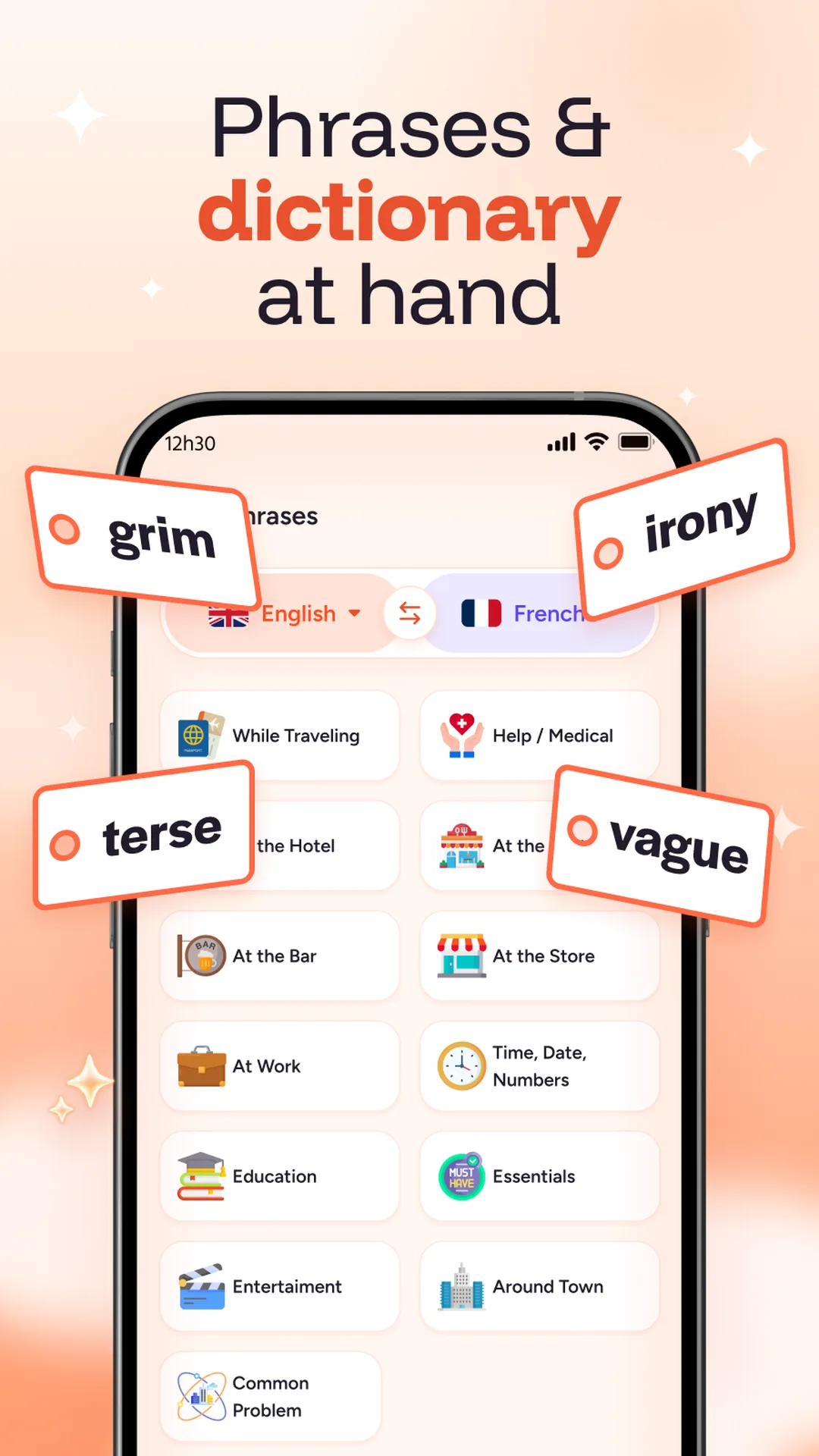
Travel Phrases

Ready-made phrases sorted by situation — airport, hotel, shop or doctor — playable aloud.

Dictionary & History

Look up meanings, word types and examples, and reuse your recent translations any time.
Take a look

A peek inside the app

Every screen below is a real part of Translate Now.

Translate Now screen 1
Voice Translation
Translate Now screen 2
Two-Way Conversation
Translate Now screen 3
Camera Translate
Translate Now screen 4
Travel Phrases
Translate Now screen 5
Text & Dictionary

You control what gets translated

Voice translation uses the microphone only while you tap to speak, and camera translation uses the camera only to scan text you point at — never in the background. You can use the app without creating an account.

The text, voice and images you choose to translate are sent to translation services only to produce your translation. Your chosen languages, settings and recent translations stay on your device. The app is free with ads and may offer optional unlocks via Google Play Billing.

  • The microphone is used only while you tap to speak.
  • The camera is used only to scan text you point at.
  • Content you translate is sent to translation services only to translate it.
  • No account needed; your history & settings stay on your device.
  • Free with ads; optional purchases via Google Play Billing.
Please note. Translate Now uses automated machine translation, which is convenient but may not always be perfect or complete. It is intended for general understanding and everyday communication — not for legal, medical, financial or other professional use. Please double-check anything important.
Translate Now icon

Break the language barrier with Translate Now

Voice, camera, text, phrases and a dictionary in one app. Download Translate Now and start translating.